Two-factor authentication for meinRMV login

More protection for your meinRMV account

The security of your personal data is our top priority. With the two-factor authentication, we protect your meinRMV account even better against unauthorized access and misuse.

In addition to your email address and password, you also enter a one-time verification code when logging in to meinRMV.

Here we show you how the two-factor authentication works.
How it works:

Step by step to the meinRMV login

You continue to log in via rmv.de,  RMV-TicketShop or the app RMVgo. We explain how the meinRMV login with two-factor authentication works.

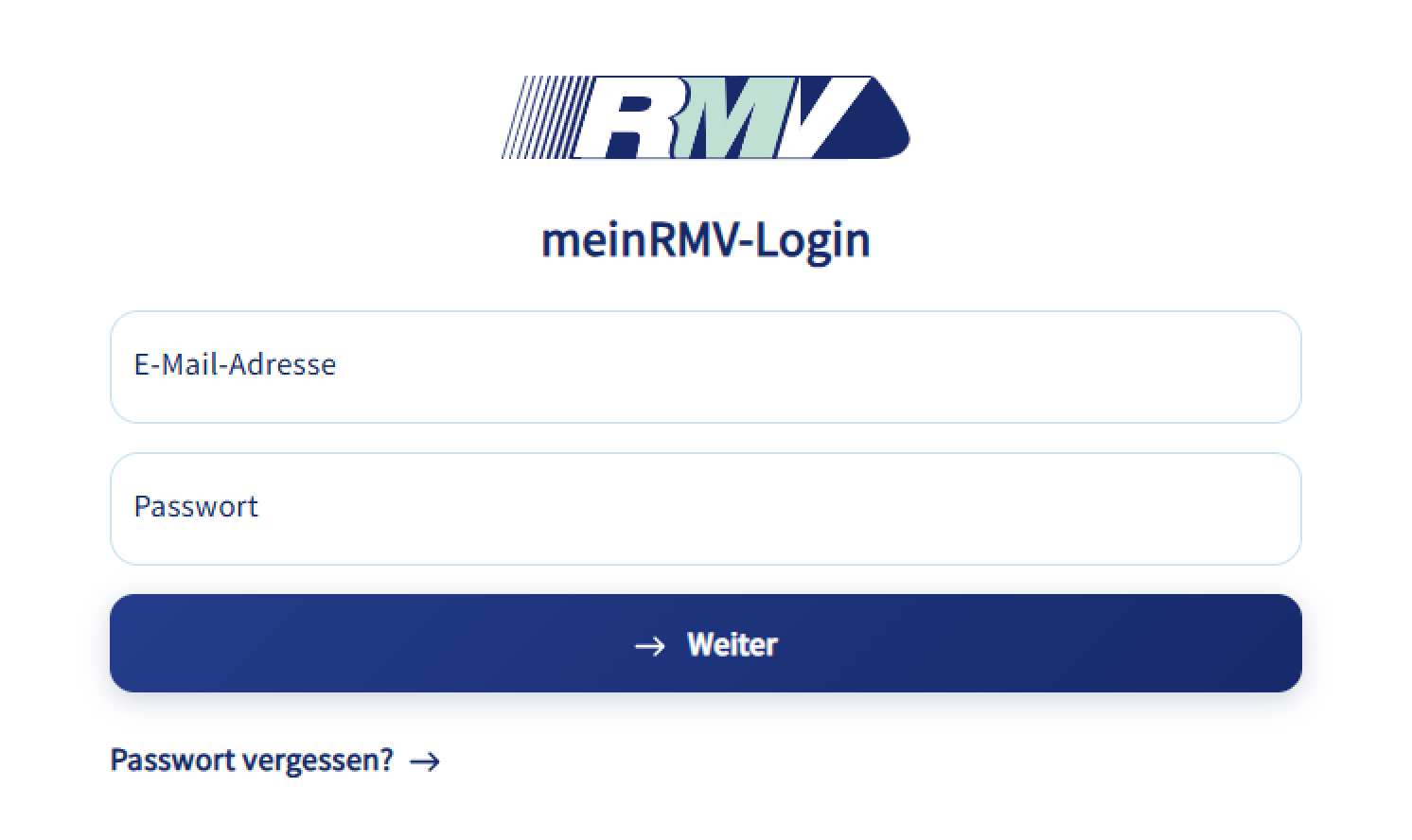
1. Log in

Log in to your meinRMV account as usual with your email address and password. Then click on “Continue.”

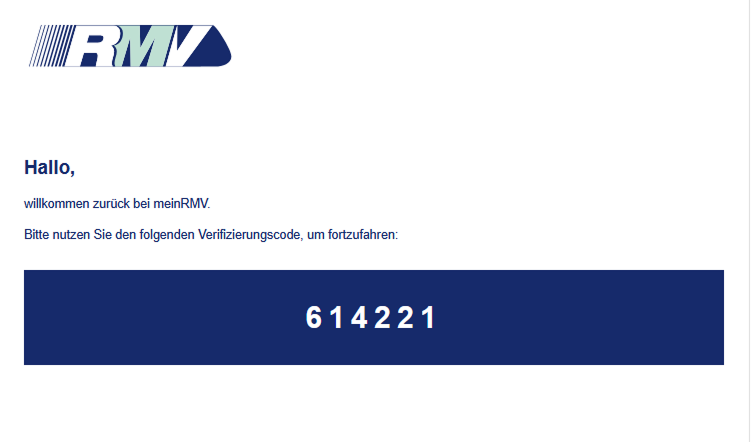
2. Receive verification code

After logging in to meinRMV, you will receive a one-time verification code by email to the address stored in your meinRMV account. If you do not receive an email, please check your spam folder.

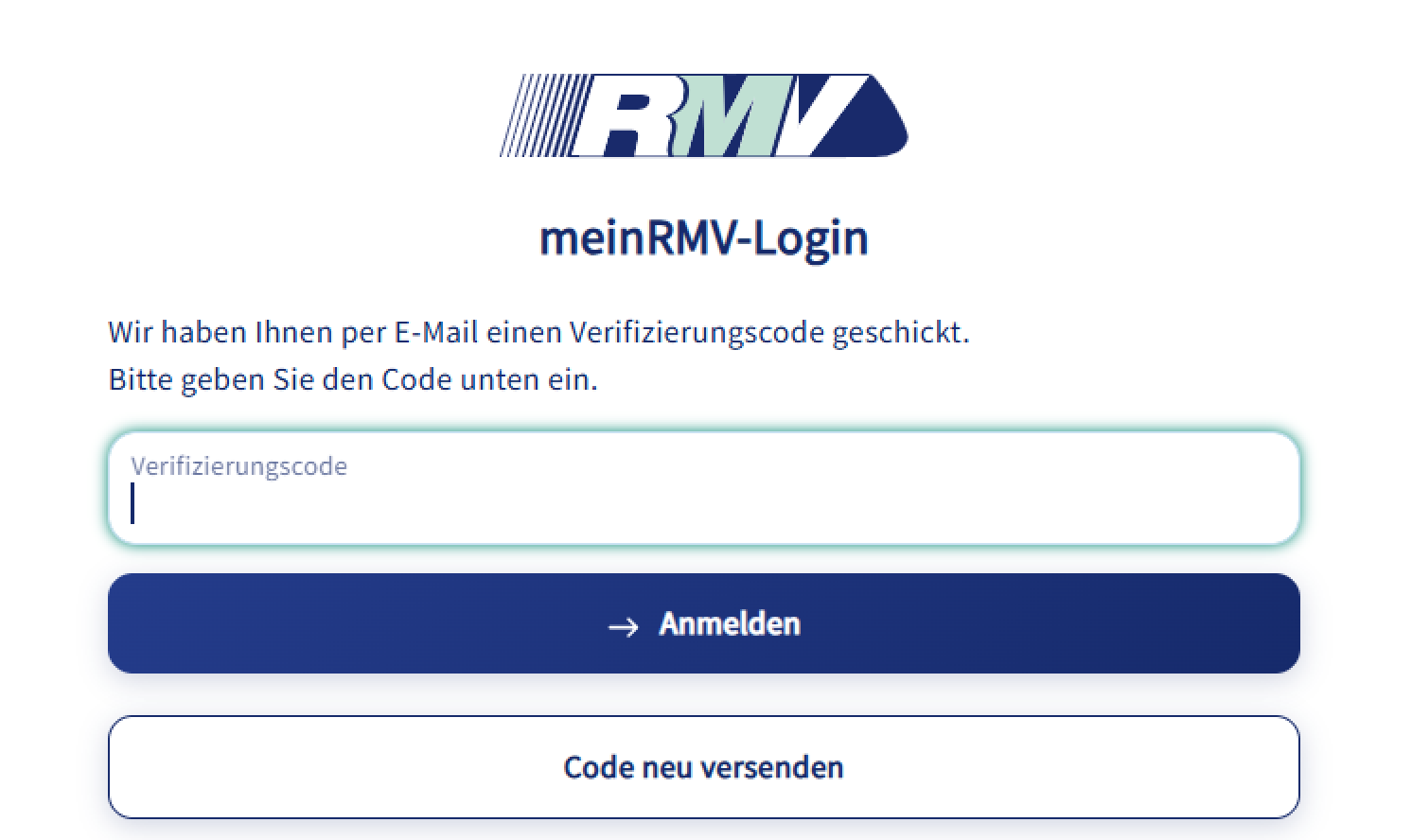
3. Enter verification code

Enter the verification code in the meinRMV login window. The code is only valid for a short period of time. You can request a new code by clicking on the button “Resend code”.

Questions and answers

With two-factor authentication, we increase the security of your meinRMV account and provide additional protection against unauthorized access.

Two-factor authentication is mandatory for every meinRMV login. It cannot be deactivated.

Two-factor authentication will be automatically introduced for all meinRMV customers. You do not need to take any action.

Two-factor authentication is automatically enabled. No additional registration or setup is required.

If you are currently logged into meinRMV, you will remain logged in for the time being. Two-factor authentication will only be required the next time you log in.

Logging in to meinRMV takes just a few steps:

  1. Enter your email address and password as usual.
  2. You will then receive a six-digit verification code by email to the address stored in your meinRMV account.
  3. Enter this code to complete the login process.

Yes, the two-factor authentication is required for logging into RMVgo, via rmv.de and the RMV-TicketShop.

If you no longer have access to your registered email address, we will be happy to help you. Please contact the RMV-Serviceportal.

Since the verification code is sent by email, it can also be used abroad without any problems.

The verification code is only valid for a few minutes. You can find the exact validity period in the email containing the verification code.

A new verification code is required each time you log in to meinRMV.

If you have not received a verification code, please check:

  • Whether the email has ended up in your spam folder.
  • Whether your email inbox has sufficient storage space.
  • Whether the email arrived after a few minutes. In some cases, there may be delays.

If you still do not receive a verification code, click on the button “Resend code” to request a new code.

If you still do not receive a verification code, please contact the RMV-Serviceportal.

The verification code is only valid for a few minutes. Click on the button “Resend code” to request a new code.

For further questions, please use the RMV-Serviceportal.